
A Nairobi layover SIM card is only worth buying if you leave JKIA: Safaricom and Airtel desks sit in the arrivals hall after immigration and need your original passport. If you stay airside, use the free airport Wi-Fi or an eSIM bought before you fly. For money, carry a card, a little cash and small notes.
We are Sense of Adventure, a Nairobi-based safari company at Mountain Mall on Thika Road, and we meet layover guests at JKIA every week. This guide covers whether you need a local line at all, where and how to buy one, tourist bundles, eSIMs, Wi-Fi, cash, cards, M-Pesa, tipping and a simple checklist for staying connected and paying your way on a short stop.
✅ Nairobi Layover SIM Card and Money: The Quick Answer
- Where to buy: Safaricom and Airtel desks in the JKIA arrivals area, after immigration, so you need a Kenya eTA to reach them.
- What to bring: your original passport (not a photo or copy) and an unlocked phone; registration takes about 5 to 10 minutes.
- Tourist bundles: Safaricom’s Jambo Tourist Bundles start at KSh 2,000 for 12 GB plus calls, bought by dialling *444#.
- Staying airside: use the free JKIA Wi-Fi, your home roaming pass or a travel eSIM set up before you fly.
- Money: cards work in malls, hotels and many restaurants; carry some Kenya shillings in small notes for tips and snacks.
- Park fees: Kenya Wildlife Service gates are cashless, so pay by card or mobile money, not cash.
🌎 Landing at JKIA Soon?
Tell us your flight times and we will tell you whether a local SIM is worth it for your stop. 💬 WhatsApp Us Now or call +254 799 160 081
Do You Need a Nairobi Layover SIM Card?
You need a Nairobi layover SIM card only if you are leaving the airport for several hours or staying a night; for a short airside connection, Wi-Fi or an eSIM is easier.
A local line gives you cheap data for maps, ride-hailing apps and messages to your driver, plus a Kenyan number that hotels and drivers can call. It also opens the door to M-Pesa, Kenya’s mobile money service. On the other hand, buying a Nairobi layover SIM card takes time at the airport, and the shops are on the arrivals side, so they are out of reach if you stay airside.
| Your layover | Best option | Why |
|---|---|---|
| Under 6 hours, staying airside | Free JKIA Wi-Fi or home roaming | You cannot reach the SIM desks without passing immigration |
| 6–12 hours, leaving the airport | Travel eSIM bought before you fly, or a local SIM | An eSIM saves queue time; a SIM is cheaper per gigabyte |
| Overnight or 24 hours | Local Nairobi layover SIM card | Lots of data, local calls and access to M-Pesa |
| Several days in Kenya | Local SIM with a tourist bundle | Best value and coverage, including on safari |
Leaving the airport also needs an approved eTA. Our guide on whether you can leave JKIA on a layover explains the rules, and our Nairobi airport guide shows how the arrivals hall is laid out.
Where to Buy a Nairobi Layover SIM Card at JKIA
The easiest place to buy a Nairobi layover SIM card is at the operator desks in the JKIA arrivals area, straight after immigration.
Safaricom, Kenya’s largest network, and Airtel both have counters in the Terminal 1 arrivals area, and Telkom Kenya is also present. Opening hours are long but not always 24 hours, so a very late or very early arrival may find a desk closed. If that happens, use the airport Wi-Fi to message your driver and buy a Nairobi layover SIM card later at a mall in the city.
Buying a Nairobi layover SIM card step by step
- Check your phone is unlocked before you leave home, or a Kenyan SIM will not work.
- Clear immigration with your eTA and collect any bags.
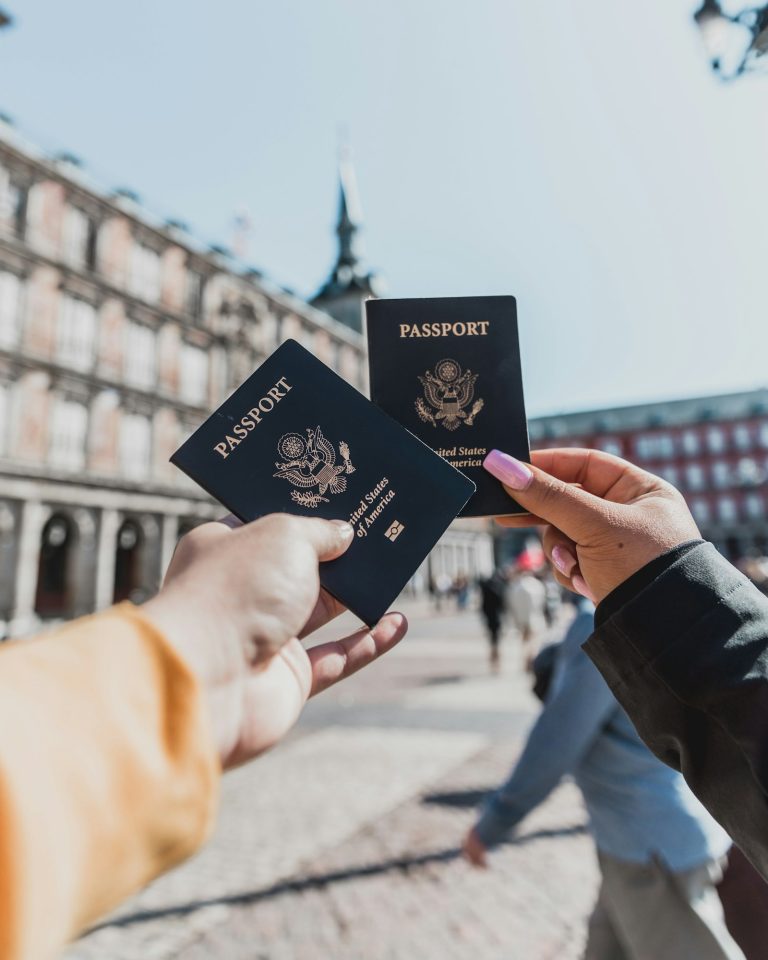
- Go to the operator desk with your original passport.
- Register the line: staff scan your passport and, at official shops, may take a fingerprint. Registration is a legal requirement in Kenya.
- Buy a bundle and ask staff to activate it and test your data before you walk away.
- Keep your old SIM safe in a small case or taped inside your passport cover.
Buy your Nairobi layover SIM card only from official desks or branded shops. Street sellers may offer pre-registered lines, which is illegal and can leave you with a SIM that is blocked mid-trip.
Tourist Bundles and Data Prices
Safaricom’s Jambo Tourist Bundles are the simplest data deal for a Nairobi layover SIM card, available during your first 90 days on the network.
According to the Safaricom Jambo Tourist Bundles FAQs, you buy them by dialling *444# and choosing Global Connect, paying with airtime or M-Pesa. Bundles include free WhatsApp and work only inside Kenya. Validity is set by the bundle, so ask at the desk, and note that unused data does not roll over.
| Safaricom Jambo bundle | Data | Local minutes | International minutes |
|---|---|---|---|
| KSh 2,000 | 12 GB plus free WhatsApp | 400 | 100 |
| KSh 2,000 (data only) | 22 GB plus free WhatsApp | None | None |
| KSh 3,000 | 25 GB plus free WhatsApp | 1,000 | 100 |
| KSh 4,000 | 39 GB plus free WhatsApp | 1,500 | 100 |
International minutes only cover a list of countries, which includes the USA, UK, Germany, India, China, South Africa and the UAE. For a single day, a smaller standard bundle may be enough; staff can suggest one. Airtel sells its own tourist packs at its JKIA desk, and prices change often, so compare both before you buy your Nairobi layover SIM card.
How much data does a layover need?
On a typical eight-hour stop with maps, ride-hailing and messages, most travellers use well under 2 GB on a Nairobi layover SIM card. Video calls and uploading photos use far more. If you are staying on for a safari, a larger bundle makes sense, as hotel and camp Wi-Fi can be slow.
eSIMs on a Nairobi Layover
A travel eSIM is often the smartest alternative to a Nairobi layover SIM card, because you can set it up at home and land with data already working.
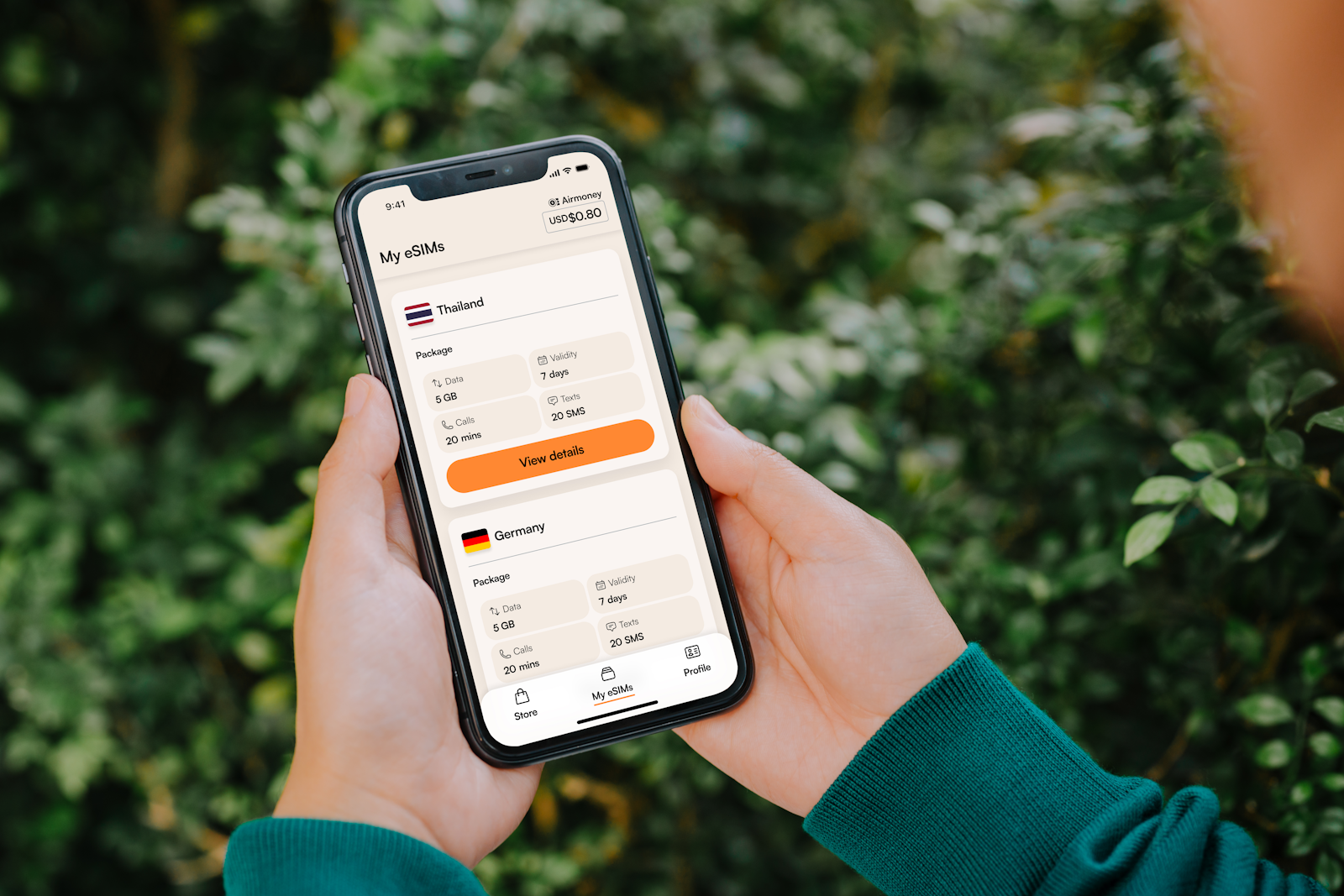
International eSIM sellers offer Kenya plans that run on local networks, often from a few US dollars for a small amount of data. You install the eSIM before you fly and switch it on when you land, with no queue and no passport scan. It works airside too, which a physical SIM cannot. The trade-offs are a higher price per gigabyte and, usually, no Kenyan phone number or M-Pesa.
Can tourists get a Safaricom eSIM?
Safaricom does sell eSIMs, but a new line must be registered in person at a Safaricom shop with an original passport, and your phone must support eSIM. Remote set-up is currently reserved for existing customers who are roaming abroad. For most layover travellers, a physical Nairobi layover SIM card or an international eSIM is quicker.
Wi-Fi and Roaming at JKIA
If you stay airside, free Wi-Fi and your home roaming plan are the only ways to get online, because a Nairobi layover SIM card is sold after immigration.
JKIA offers free Wi-Fi in its terminals, though speeds vary at busy times, and airline lounges usually have faster connections. Our guide to JKIA lounges covers where to rest and charge your devices. Before you travel, check whether your home network offers a daily roaming pass for Kenya, as standard roaming rates can be very high. A roaming pass can cost more per day than a whole Nairobi layover SIM card bundle, so compare before you fly.
- Turn off data roaming as soon as you land unless you have a roaming pass.
- Download offline maps of Nairobi before you fly.
- Save key numbers, including your driver, hotel and airline, in case Wi-Fi drops.
- Use a VPN or trusted apps on public Wi-Fi for banking.
📅 Get a Free Layover Plan
Send us your arrival and departure times, and we will plan your stop, including where to buy a Nairobi layover SIM card if you need one. ✉ Send Us Your Flight Times on WhatsApp
Money on a Nairobi Layover: Cash, Cards and Currency
On a short Nairobi layover you need very little cash: a card for most payments and a small amount of Kenya shillings for tips, snacks and markets.
The Kenya shilling (KSh or KES) is the local currency. There are banks, ATMs and bureaux de change in the JKIA arrivals area, and ATMs in every city mall. Airport exchange rates are usually a little weaker than in town, so change only what you need. If you buy a Nairobi layover SIM card, you can top up airtime with cash at the same desk. You can check the official reference rate on the Central Bank of Kenya website. Our full Kenya currency and money guide has more detail.
Cards
Visa and Mastercard are widely accepted in hotels, malls, larger restaurants and many tourist sights. Tell your bank you are travelling, carry a backup card and choose to pay in shillings rather than your home currency when a card machine asks, as the conversion offered at the till is often poor.
US dollars
Some tour operators, hotels and lodges quote in US dollars, and some accept them. If you bring dollars, carry clean, recent notes, as older or damaged notes are often refused. Do not rely on dollars for small purchases, where shillings are expected.
| Payment | Best for | Tips |
|---|---|---|
| Card | Hotels, malls, restaurants, tours | Pay in shillings; carry a backup card |
| Kenya shillings cash | Tips, snacks, markets, small cafés | Ask for small notes when you exchange |
| M-Pesa | Almost everything, from taxis to market stalls | Needs a Safaricom SIM and registration |
| US dollars | Some hotels and tours | Clean, recent notes only |
M-Pesa for Visitors
M-Pesa, Safaricom’s mobile money service, is how most Kenyans pay, and visitors can use it too once they have a registered Nairobi layover SIM card.
To use it, you register M-Pesa on your Safaricom line with your passport, then load cash at an M-Pesa agent and pay merchants with their till or paybill number. Any balance left over can be withdrawn at an agent before you fly. For a short layover this is optional, even with a Nairobi layover SIM card, since cards and cash cover most needs, but it is handy at markets and small shops.
In April 2026, a Kenyan fintech company launched TouristTap, an app that links a visitor’s bank card to M-Pesa and Airtel Money payments, so tourists can pay small businesses without a local SIM. It is new, so check how it works with your card before relying on it.
Paying for Sights on a Layover
Most layover sights take cards or mobile money, and Kenya Wildlife Service parks do not accept cash at the gate.
Nairobi National Park charges non-resident adults USD 80 under the Kenya Wildlife Service fees in force since October 2025, and payment is electronic. Our Nairobi National Park entrance fees guide explains how to pay, and the Kenya Wildlife Service lists current fees. Smaller sights and markets vary, so carry some shillings as a backup, or pay with M-Pesa if you have a Nairobi layover SIM card.
If you join our Nairobi layover tour, entry fees are included, so you only need money for tips, drinks and souvenirs. The tour is priced from USD 190 per adult sharing, including JKIA pick-up and drop-off and lunch; message us for a quote for your dates.
Tipping and Small Notes
Tipping is customary in Kenya, and small notes in shillings make it easy.
- Restaurants: around 10% if service is not already included.
- Drivers and guides: a tip at the end of a day trip is appreciated; ask us for current guidance.
- Porters and hotel staff: a small note for carrying bags.
- Markets: carry small notes so you are not asking for change after bargaining.
For a wider view of extra costs on a Kenya trip, read our guide to Kenya safari spending money, and if you want to keep costs down, our budget Nairobi layover guide lists the best low-cost sights.
Staying Safe With Your Phone and Money
Phones are the item most often snatched in busy city areas, so keep yours out of sight and your Nairobi layover SIM card details safe.
- Do not hold your phone out of a car window or at busy junctions.
- Use ATMs inside banks or malls rather than on the street.
- Split your money and cards between two places.
- Never share M-Pesa PINs or one-time codes, and ignore unexpected “wrong number” payment requests.
- Note your IMEI number in case your phone is lost.
- Keep the Nairobi layover SIM card packaging, which shows your PUK code if the SIM locks.
Our guide on whether it is safe to leave JKIA covers wider safety, and the UK government travel advice for Kenya has up-to-date warnings.
Nairobi Layover SIM Card and Money Checklist
Run through this list before you fly, and your Nairobi layover SIM card, eSIM and money will be sorted in minutes.
- Unlock your phone, or install a travel eSIM before you leave home.
- Apply for your Kenya eTA on the official Kenya eTA portal if you plan to leave the airport.
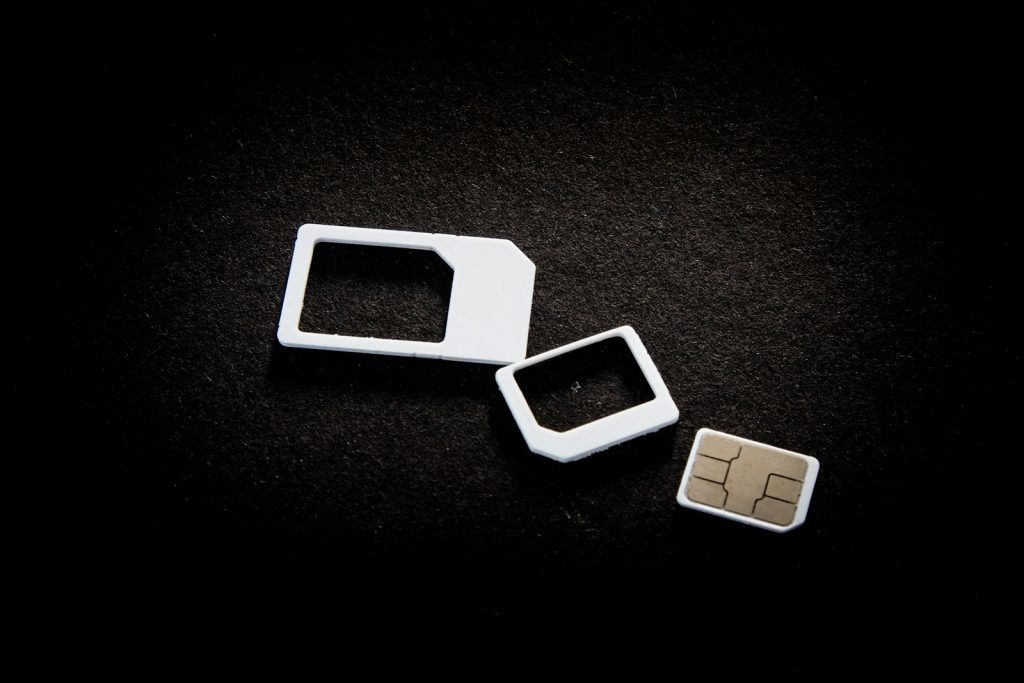
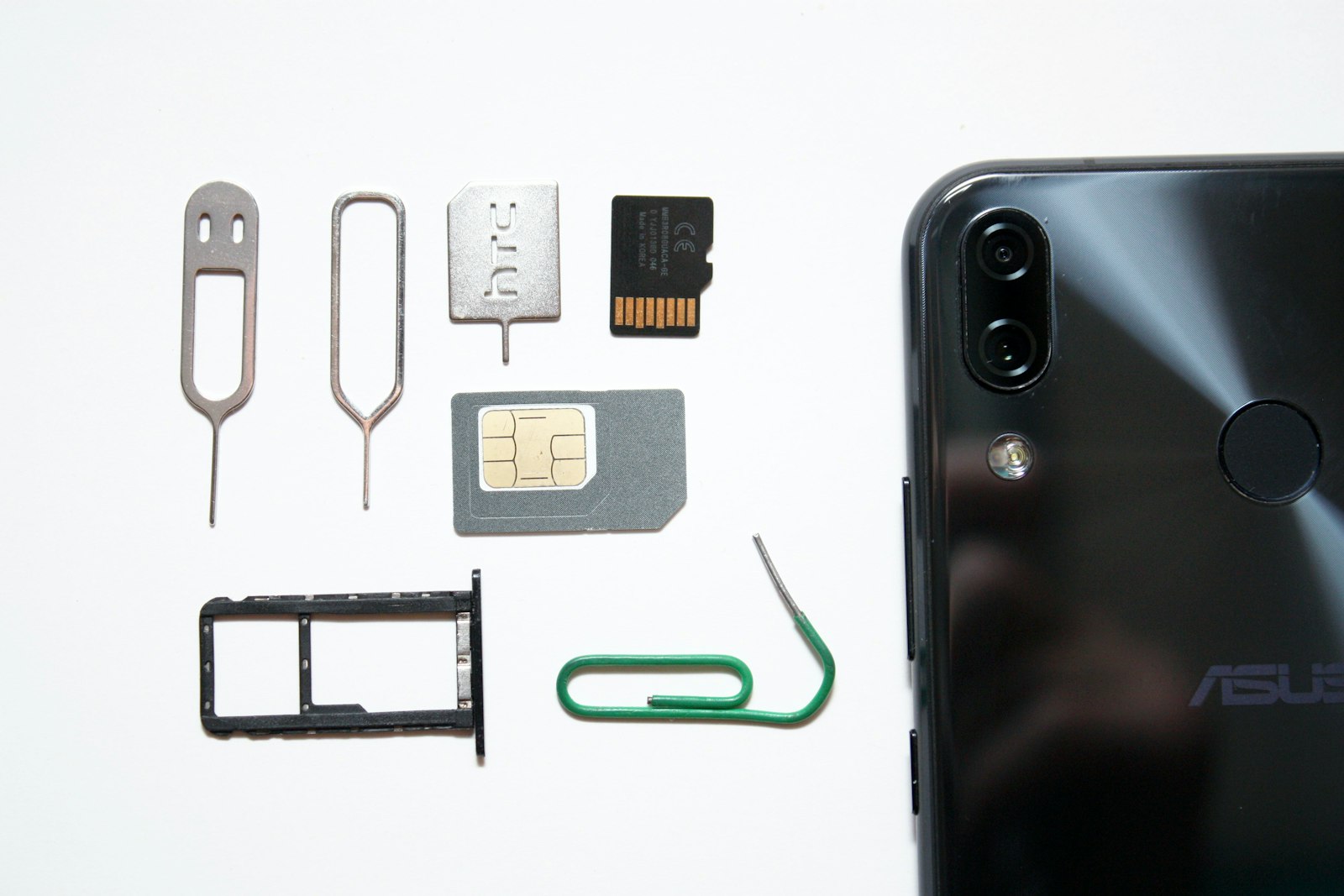
- Pack your original passport, a SIM ejector pin and a UK-style three-pin plug adaptor, as Kenya uses Type G sockets.
- Tell your bank you are travelling and carry two cards.
- Download offline maps and save your driver’s number.
- Change a small amount of money into shillings, in small notes.
- Keep your home SIM safe for the flight onwards.
Packing for a game drive too? Our layover safari packing list covers clothes, camera gear and what fits in a carry-on.
Nairobi Layover SIM Card FAQs
Can I buy a Nairobi layover SIM card without leaving the airport?
What do I need to buy a Nairobi layover SIM card at JKIA?
How much is a tourist SIM bundle in Kenya?
Is an eSIM better than a local SIM for a Nairobi layover?
Can tourists use M-Pesa in Kenya?
Do I need cash on a Nairobi layover?
Is there free Wi-Fi at JKIA?
🏕 Book Your Nairobi Layover Tour With Sense of Adventure
Kenya-based experts. Real local knowledge. Transparent pricing. We meet you at JKIA, help you get connected if you need to, and plan every hour of your stop around your flights. 💬 WhatsApp Us — Plan Your Layover Today
Call or WhatsApp: +254 799 160 081
Related Safari Guides
- ›Kenya Currency and Money Guide
- ›Can You Leave JKIA on a Layover?
- ›JKIA Lounges and Places to Rest
- ›Mombasa Airport Layover Guide
- ›Nairobi Layover Tour (1 Day)
Official travel & park resource: Kenya Wildlife Service ↗